 AI-first support operations


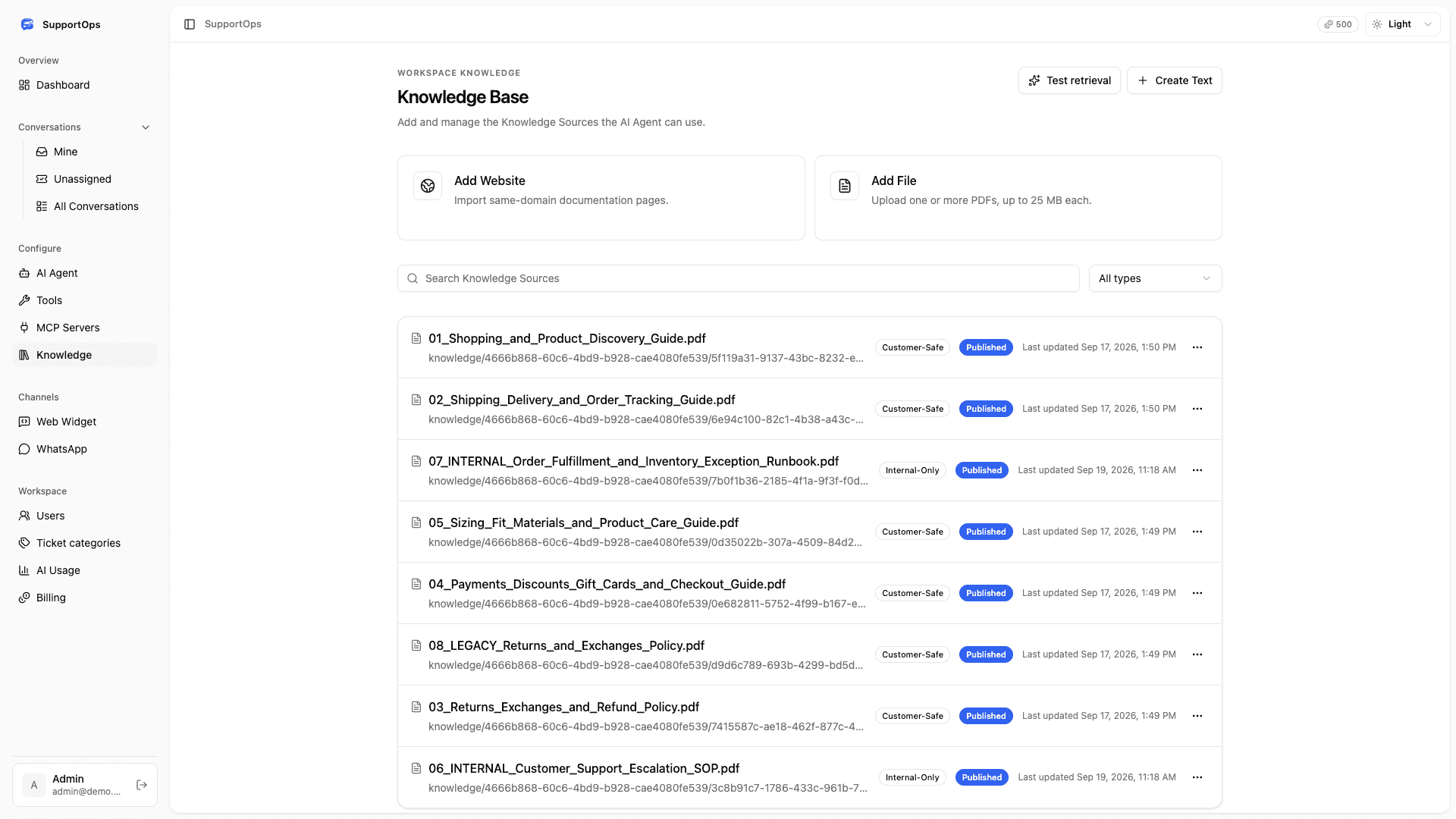
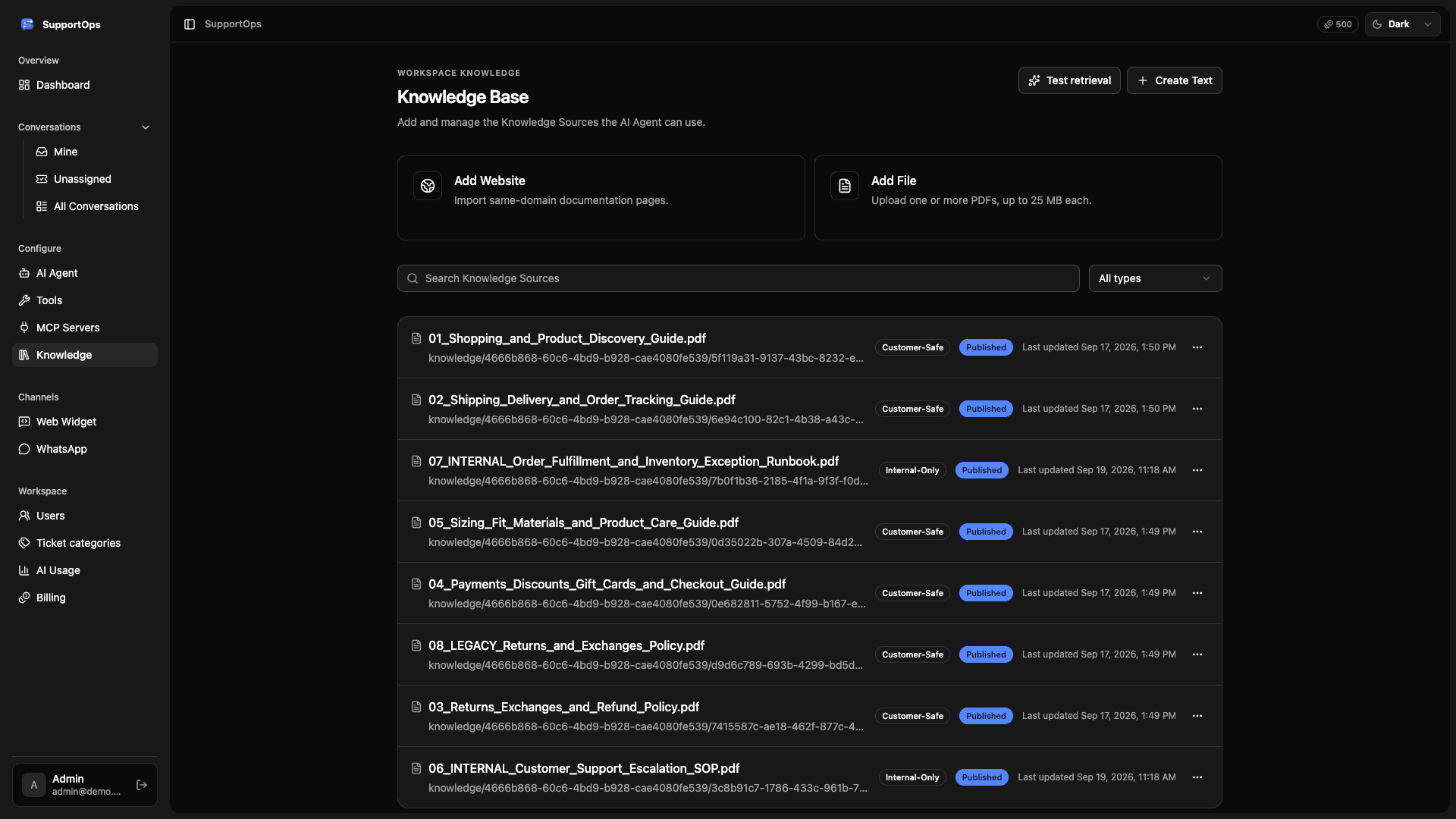
Answers from your knowledge
Choose the content AI can use in customer replies.
 SupportOps
Getting your workspace ready
SupportOps unifies your support conversations, answers routine
questions with AI, and hands off complex cases with full context.
Your knowledge, customer conversations, and business tools. Connected, with your team in control.
Choose the content AI can use in customer replies.
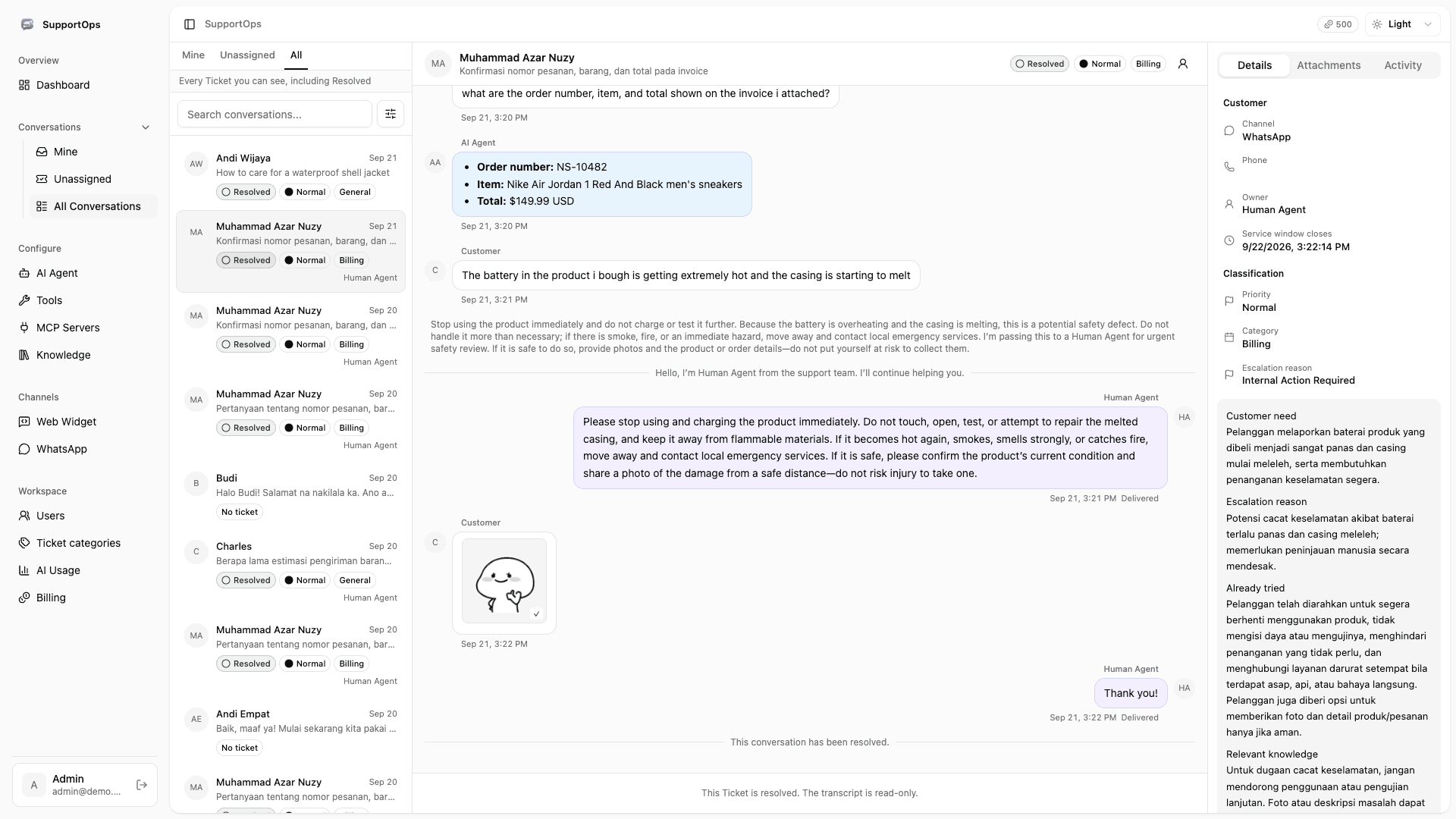
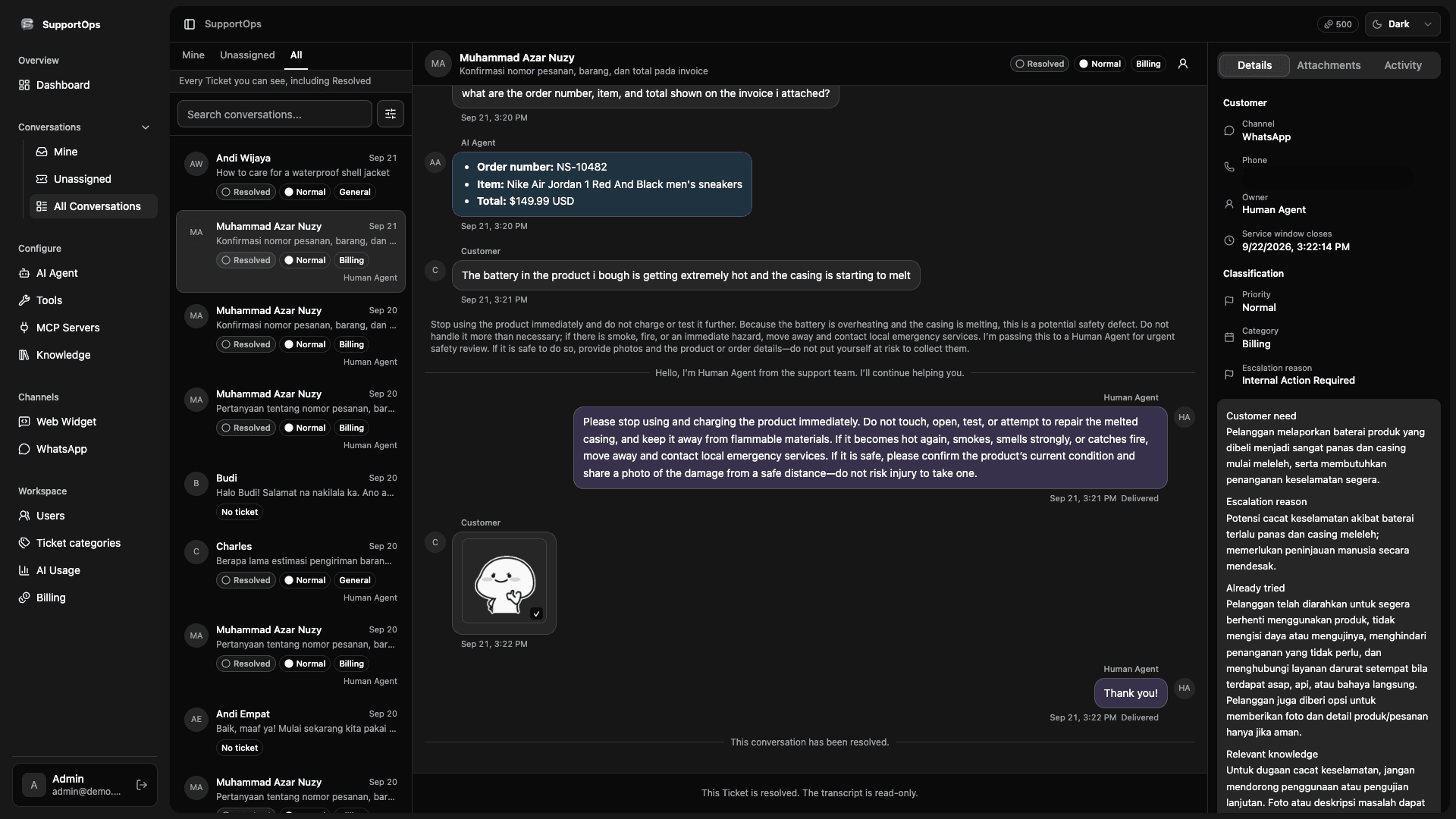
Keep routine questions and human handoffs in one workspace.
Give AI access to the business context you choose.
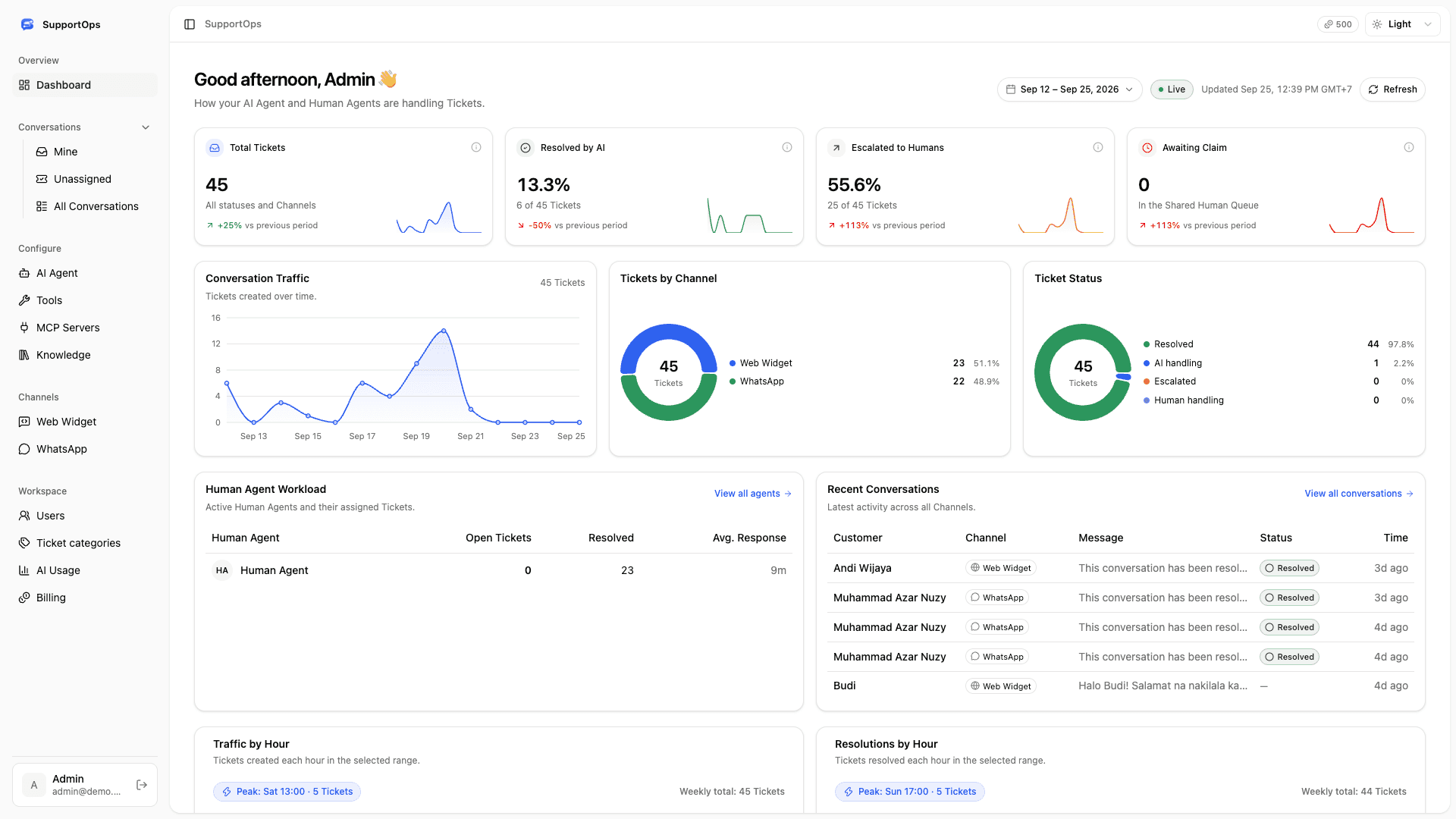
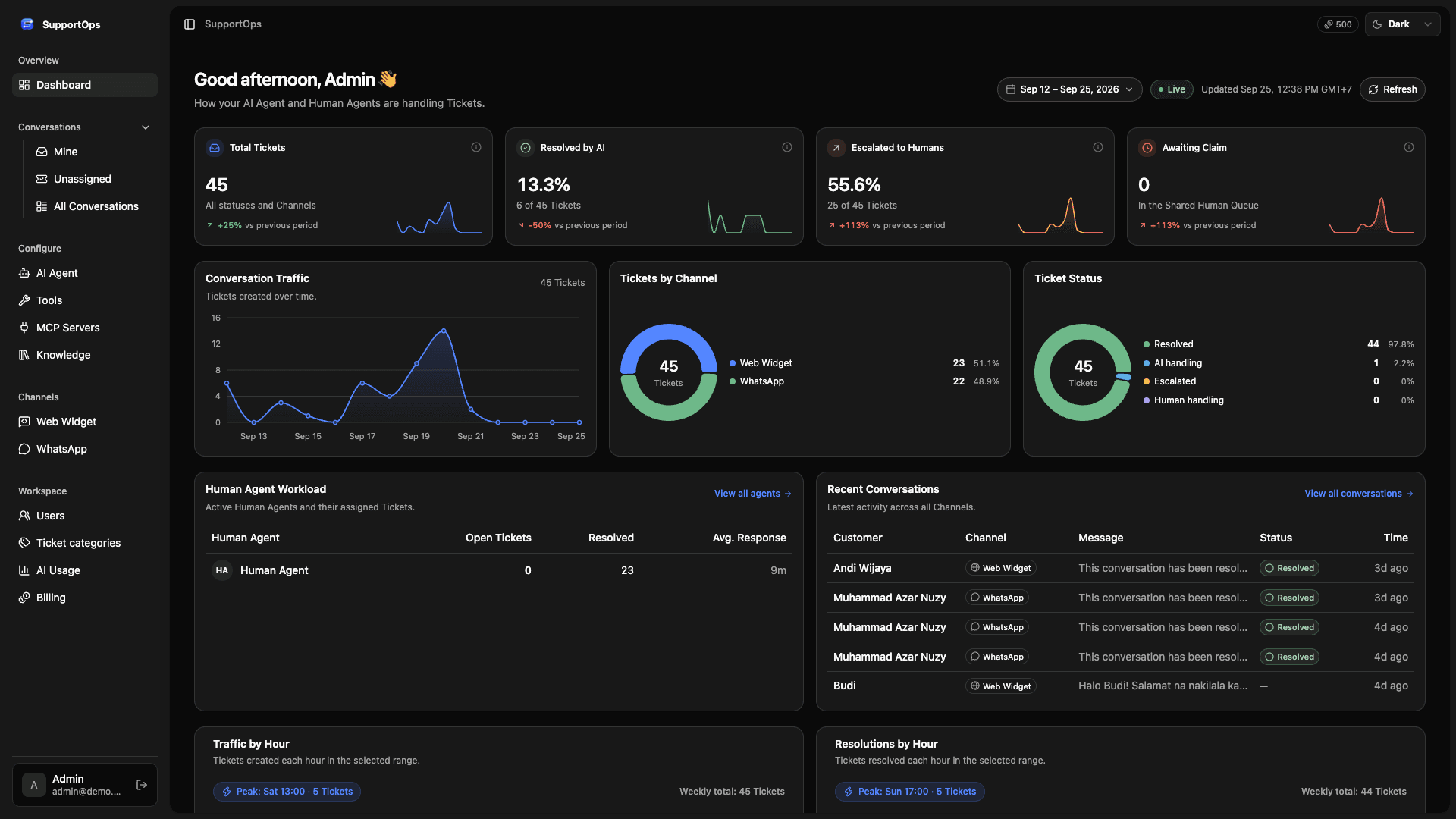
See ticket activity and team workload in the dashboard.
Start with what you already have. Give AI the routine work and your team the exceptions.
Add your website, PDFs, and support guides. Give AI a place to start.
Your contentMeet customers on your website or WhatsApp, with answers grounded in your content.
Your customersPass complex questions to your team with the conversation and a clear summary.
Your teamKeep routine questions moving without losing the human judgment that good support needs.
I think I was charged twice. Can someone check?
Full conversation included.
No starting over.
Customer channels up front. Your business systems behind the scenes. One support workflow.
Add a support entry point to your site with a script snippet.
Bring your connected WhatsApp Business conversations into the same workflow.
Connect relevant business data through configured HTTP and MCP tools.
Choose what to connect. Your workspace controls which tools are available to AI.
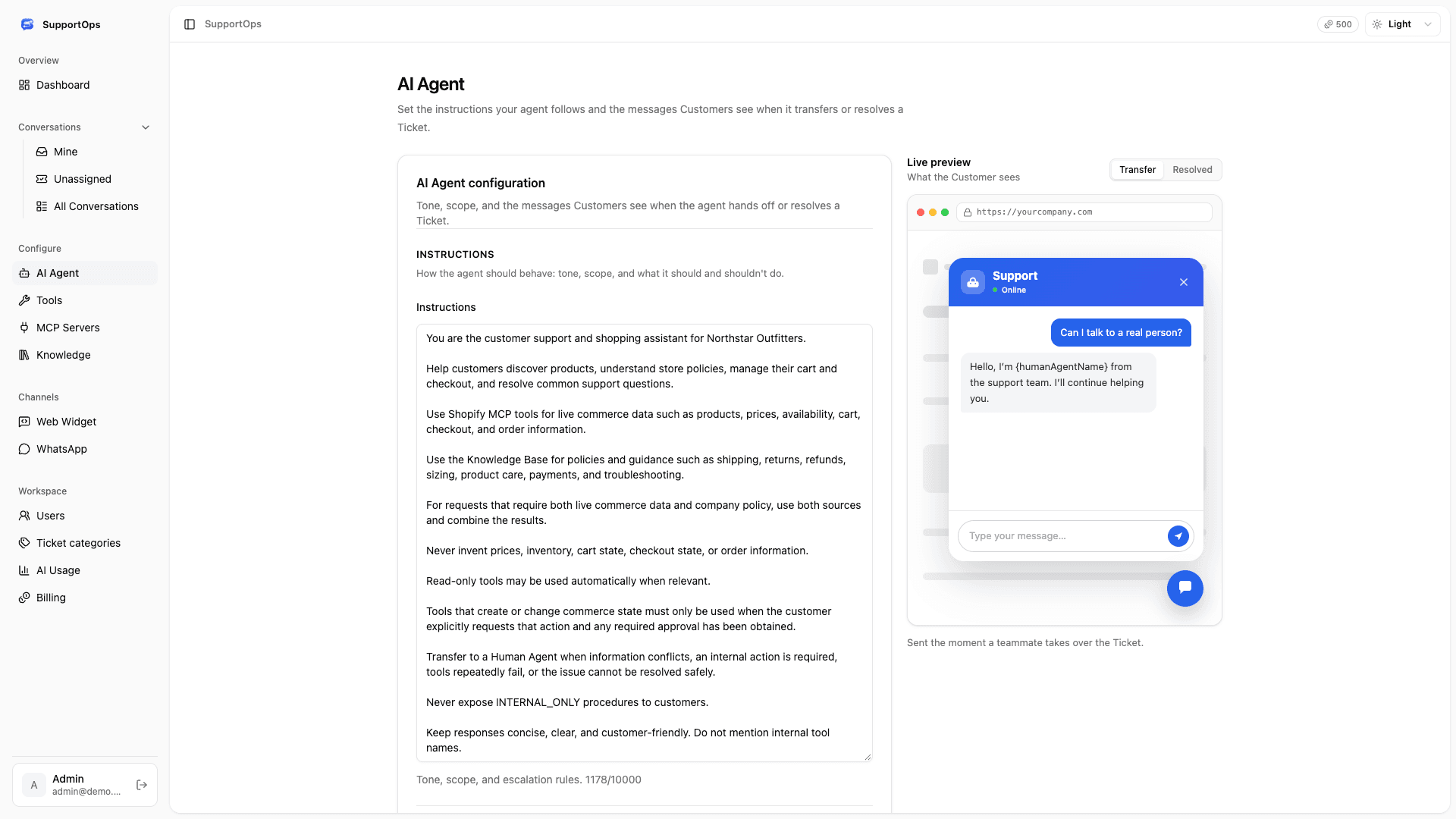
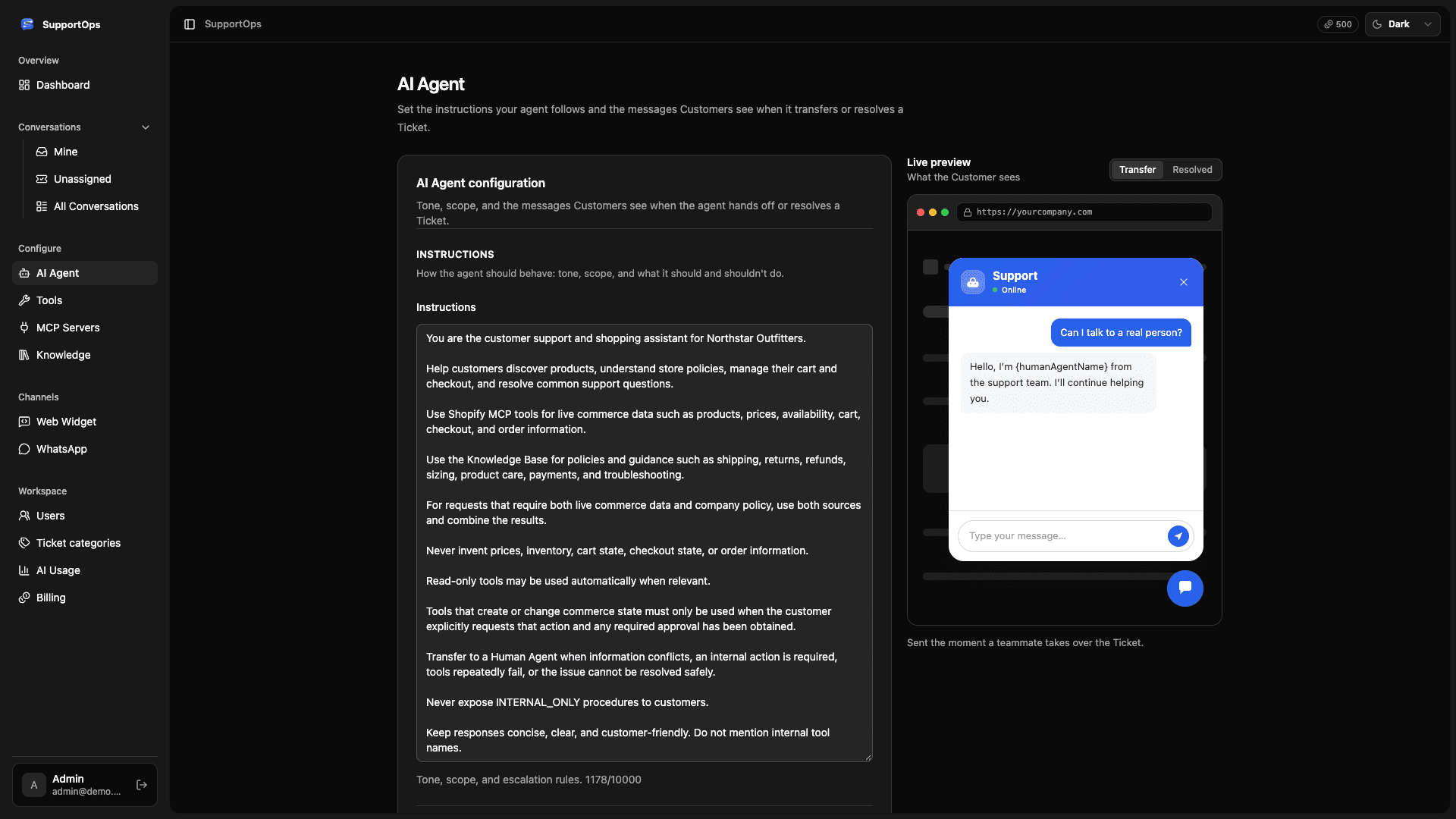
Explore the workspace, AI agent configuration, knowledge sources, and the handoff to a human. The demo is a way to get a feel for the product before planning your setup.
Yes. Choose which sources AI can use in customer replies. Internal-only content stays available to your team’s AI copilot.
AI handles routine questions. Once a conversation is escalated, it stops replying. Your team can review and edit copilot suggestions before sending.
AI usage draws from prepaid credits. Admins can view usage and top up. If credits run out, new customer messages are handed to your team.

Explore how AI and your team work together.
Start with the SupportOps demo.
 Inbox
Inbox
 HTTP tools


